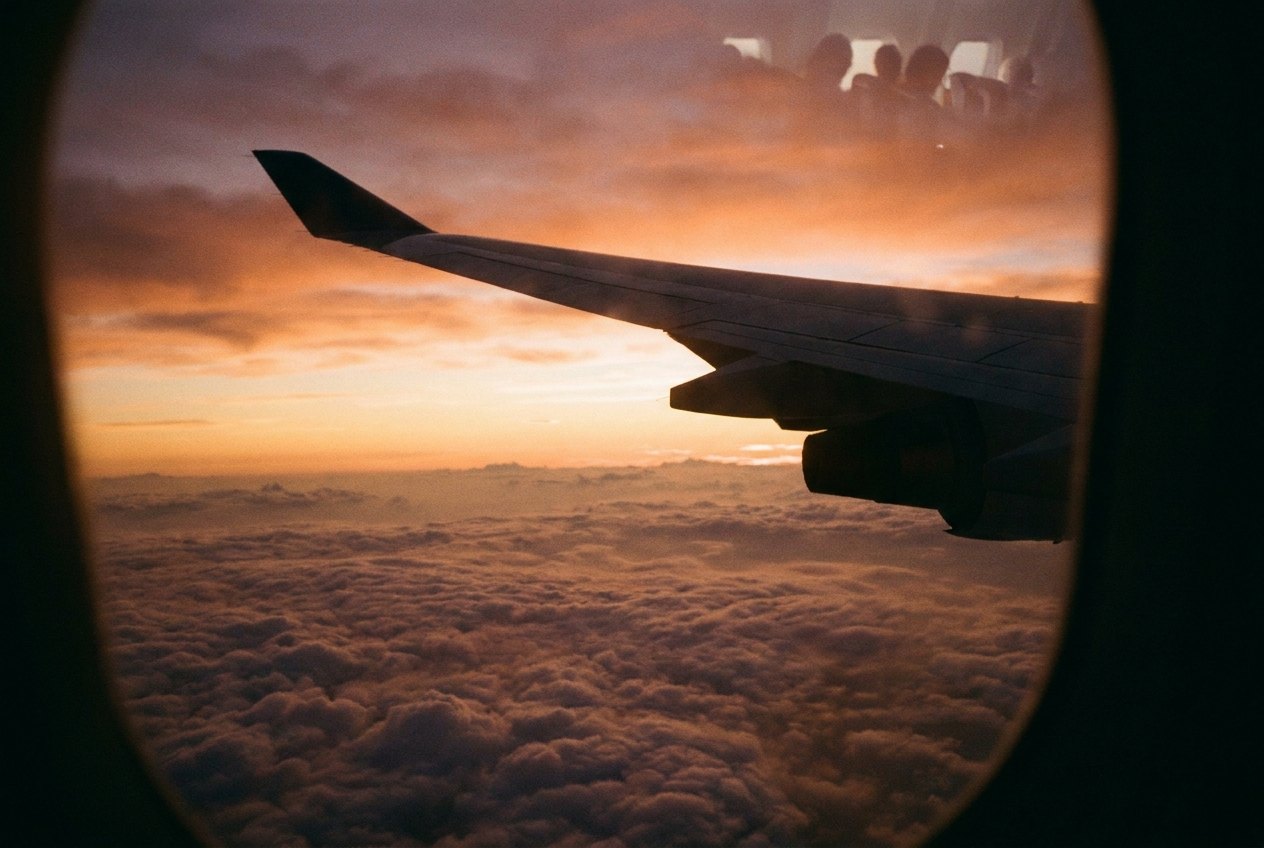
A long-haul flight is one of the few places left where you cannot count on a connection. Some aircraft have Wi-Fi, some do not, and when it exists it can be slow, expensive or limited to messages. The safest plan is to treat the flight as offline and load everything you want before you leave home.
Download at home, not at the gate
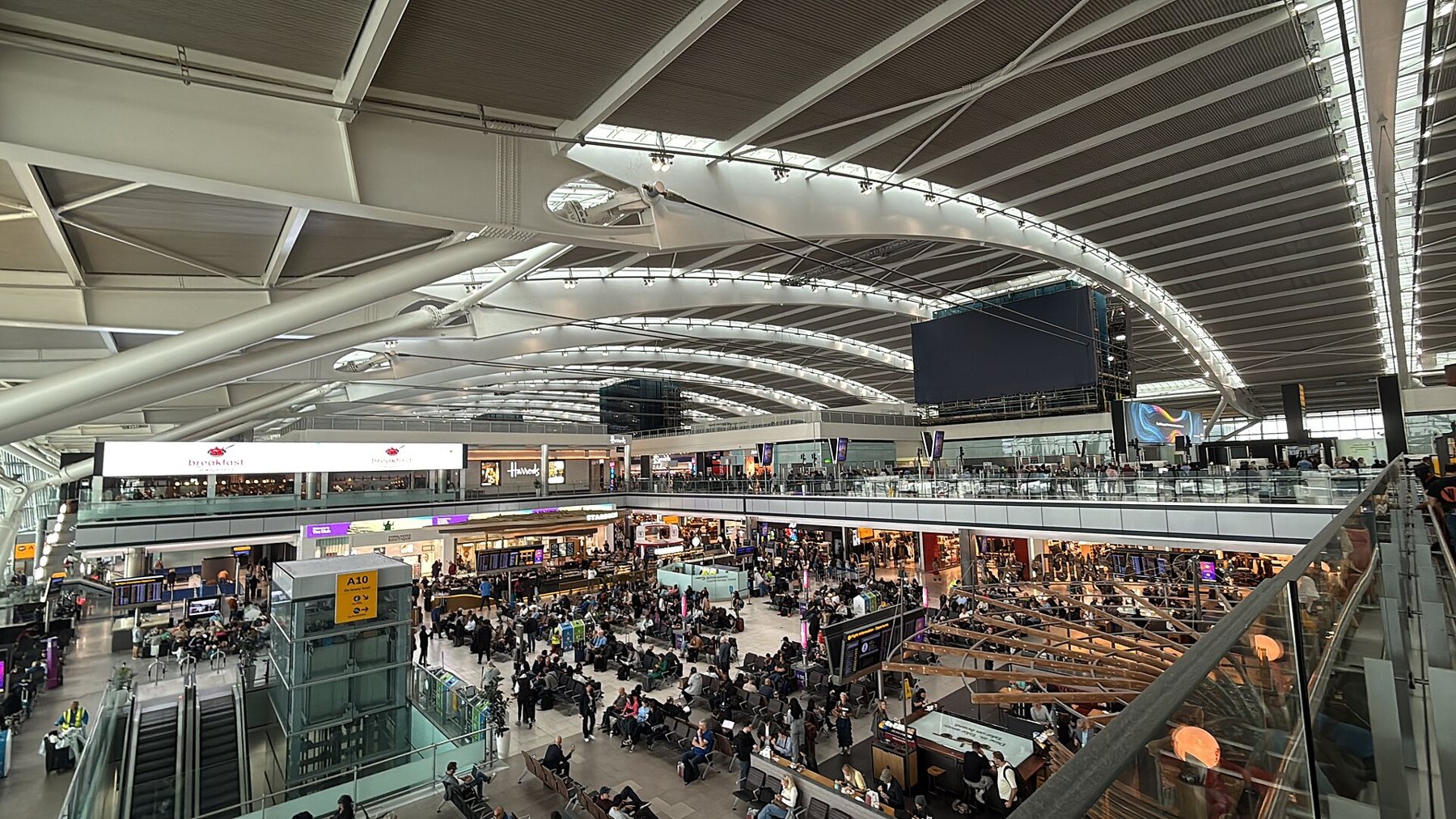
Airport Wi-Fi is shared by thousands of people and often slows to a crawl near busy gates. Large files such as films can take far longer than the time before boarding. Download the evening before, on your home connection, and leave time to fix anything that fails.
Things worth downloading:
- Films and series from streaming services that allow offline viewing.
- Books, magazines and long articles saved for offline reading.
- Music playlists and podcasts.
- Offline maps of your arrival city, covered in offline maps that really work offline.
- Your boarding pass, tickets and the address of your first night's stay, saved as files or screenshots.
The licence trap
Downloads from streaming services are not always yours to keep. Many expire after a set number of days, or after you start watching, or need the app to check in online every so often. Some limit how many titles or devices can hold downloads at once. Some do not allow downloads in certain countries.
Downloads also take space. A few hours of high-definition video can fill several gigabytes, so check free storage first and choose a lower download quality for a phone screen; on a small display the difference is hard to see, and you can fit far more. Clear out old downloads from the last trip while you are at it.
The simplest test is the best one. The night before, switch the phone or tablet to airplane mode and open each title. If it plays, it will play on the plane. If it asks to connect, it will ask again at 11,000 metres.
Airplane mode, and what still works
Airplane mode switches off the mobile radio. On most current devices it can be combined with Wi-Fi and Bluetooth, so wireless earphones and in-flight Wi-Fi can still be used where the airline allows them. Follow the crew's instructions on the day; rules differ between airlines and phases of flight.
10Leaving the phone searching for a signal at altitude drains the battery for nothing, so airplane mode also saves power for the arrival.
In-flight Wi-Fi in general terms
Where it exists, in-flight Wi-Fi usually works through a satellite or ground-based link. Common patterns:
- A free tier that allows only messaging apps.
- Paid passes by the hour or for the whole flight, sometimes cheaper if bought before departure.
- Speeds fine for email and browsing, rarely good for video calls.
- Gaps over oceans or remote regions on some routes.
Check the airline's own information for your flight, but plan as if it might not work. If you do pay for a connection, sign in to the airline's portal page only, and treat the network like any other shared Wi-Fi: it is fine for messages and browsing, less so for banking. Work that must reach someone during the flight is best sent before boarding, with a note that you will be offline until landing.
Messages that arrive over in-flight Wi-Fi can also include sign-in codes. If an account sends codes by text message only, they will not reach you in the air even with Wi-Fi, so sort out any sign-ins you need on the ground.
Power at the seat
Many newer aircraft have a USB socket, a power outlet or both at each seat, but older aircraft and some short-haul cabins have neither. Seat USB sockets are often low-powered and charge a phone slowly. Power outlets may be shared between seats or switched off during parts of the flight.
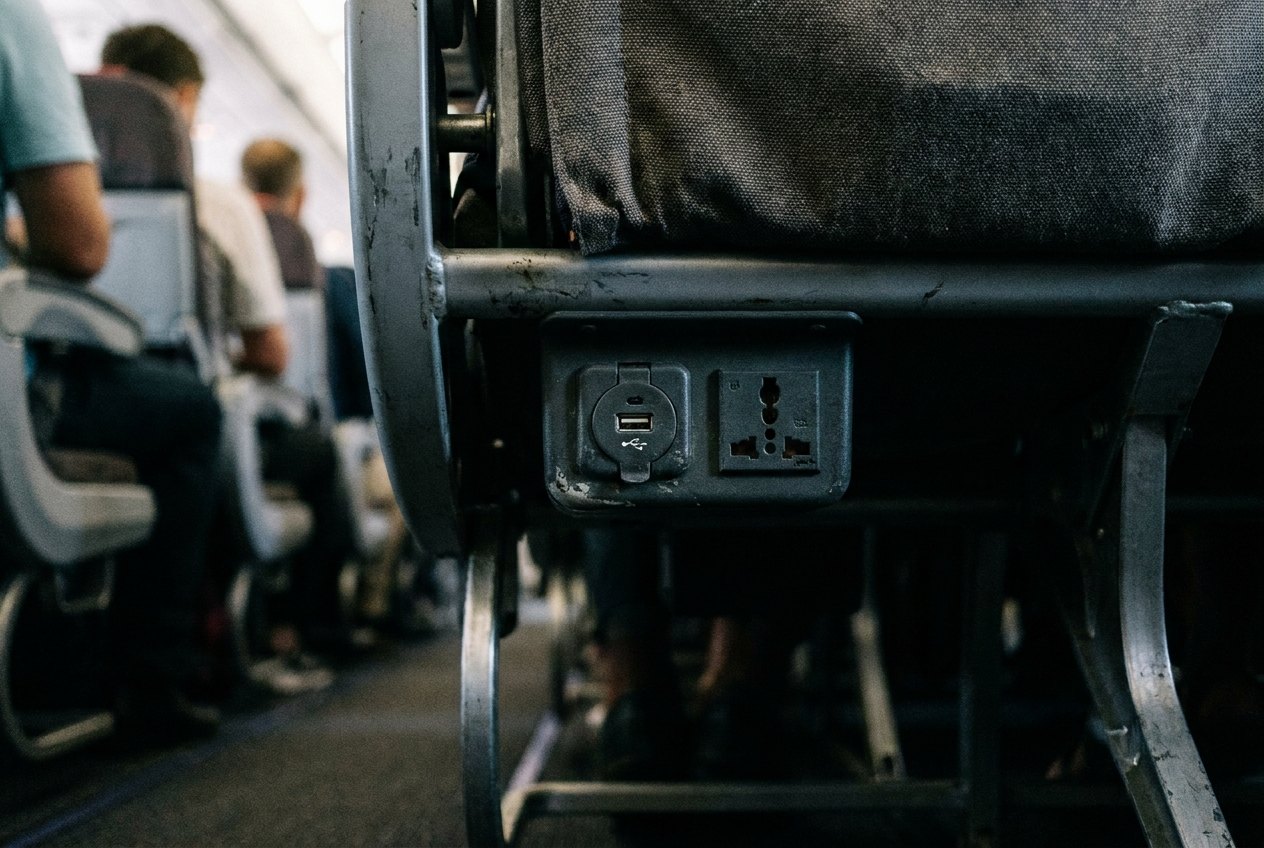
Bring a short cable in your pocket rather than the long one from the bedside; a long cable stretched from a seat socket into a tray table or a sleeping neighbour's footwell is a hazard. If the socket feels loose or warm, unplug and use your power bank instead, and tell the crew.
Board with everything fully charged and a charged power bank in your hand luggage. The rules on power banks, which must stay in the cabin and sometimes cannot be used in flight, are in power banks on planes.
Earphones and the seat screen
Many seat-back screens still need a wired earphone plug. Wireless earphones will not connect to most of them without an adaptor. A cheap pair of wired earphones with the right plug, kept in the tech pouch, solves this and also serves as a backup when the wireless pair runs flat halfway across an ocean.
The last hour before landing
Long flights also drain batteries through simple overuse: twelve hours of screen time at full brightness empties most phones twice over. Turn the brightness down in the dark cabin, which also spares your neighbours, and let the seat screen or a tablet carry the films so the phone stays charged for the arrival.
Before descent, check your phone has enough charge for the arrival: maps, transport tickets and messages to whoever is meeting you. Switch off airplane mode only once the crew allows it, and be ready for a burst of roaming messages and updates as the phone reconnects.