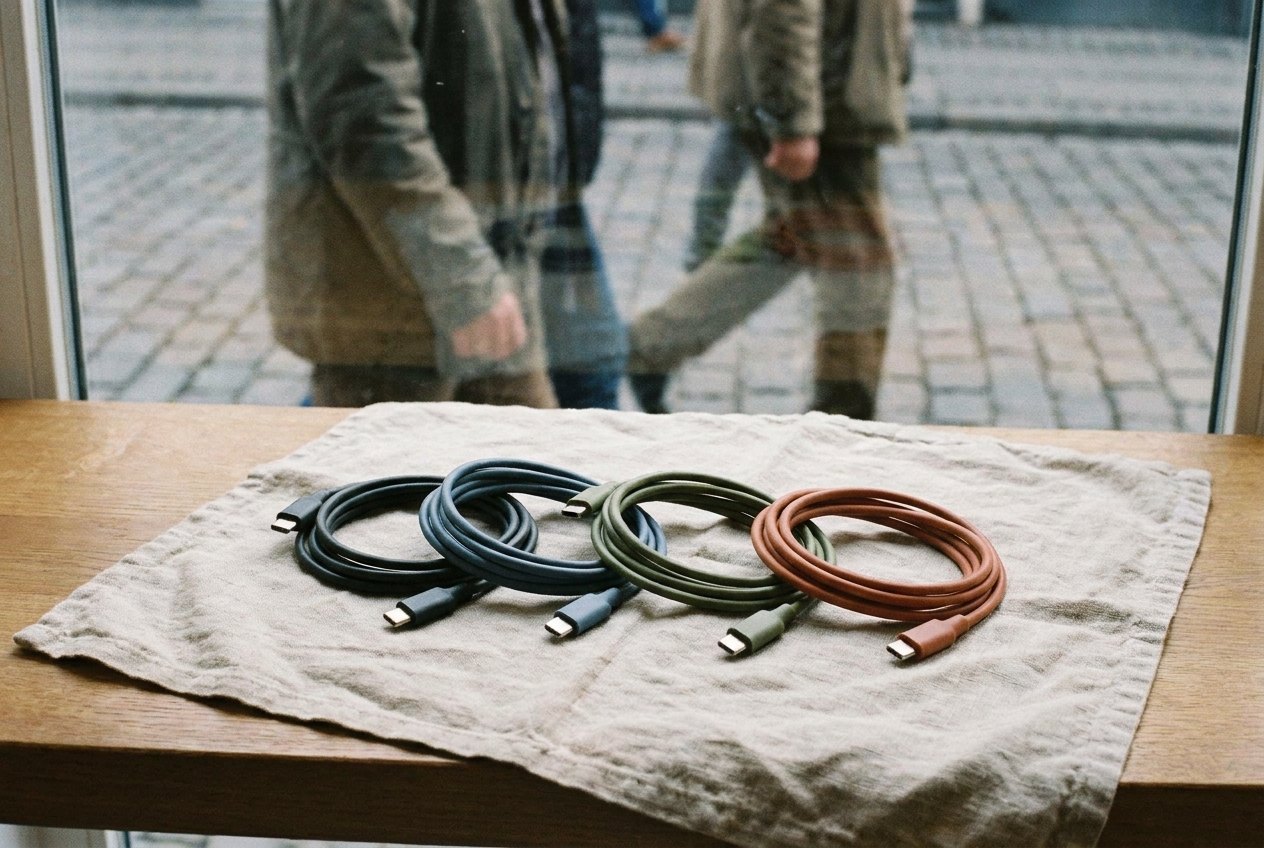
Cables are the cheapest thing in a travel bag and the most annoying to be without. They also multiply. Each new device arrives with its own, and after a few years a drawer of cables follows you onto every trip, most of them for gadgets that stayed at home.
The good news is that devices have converged. Most phones, tablets, earphone cases, cameras and many laptops now charge through the same small, reversible USB-C connector. For many travellers, two or three cables now do what a tangle of six did a few years ago.
Start from the devices, not the drawer
Write down what is actually coming: phone, earphones, watch, camera, laptop, e-reader. Then look at each device's charging port. The right set of cables is the smallest one that charges all of them from the charger you are taking.
If every device has USB-C, you may need nothing but USB-C to USB-C cables. If one older device has a different port, you need one cable for it, not three.
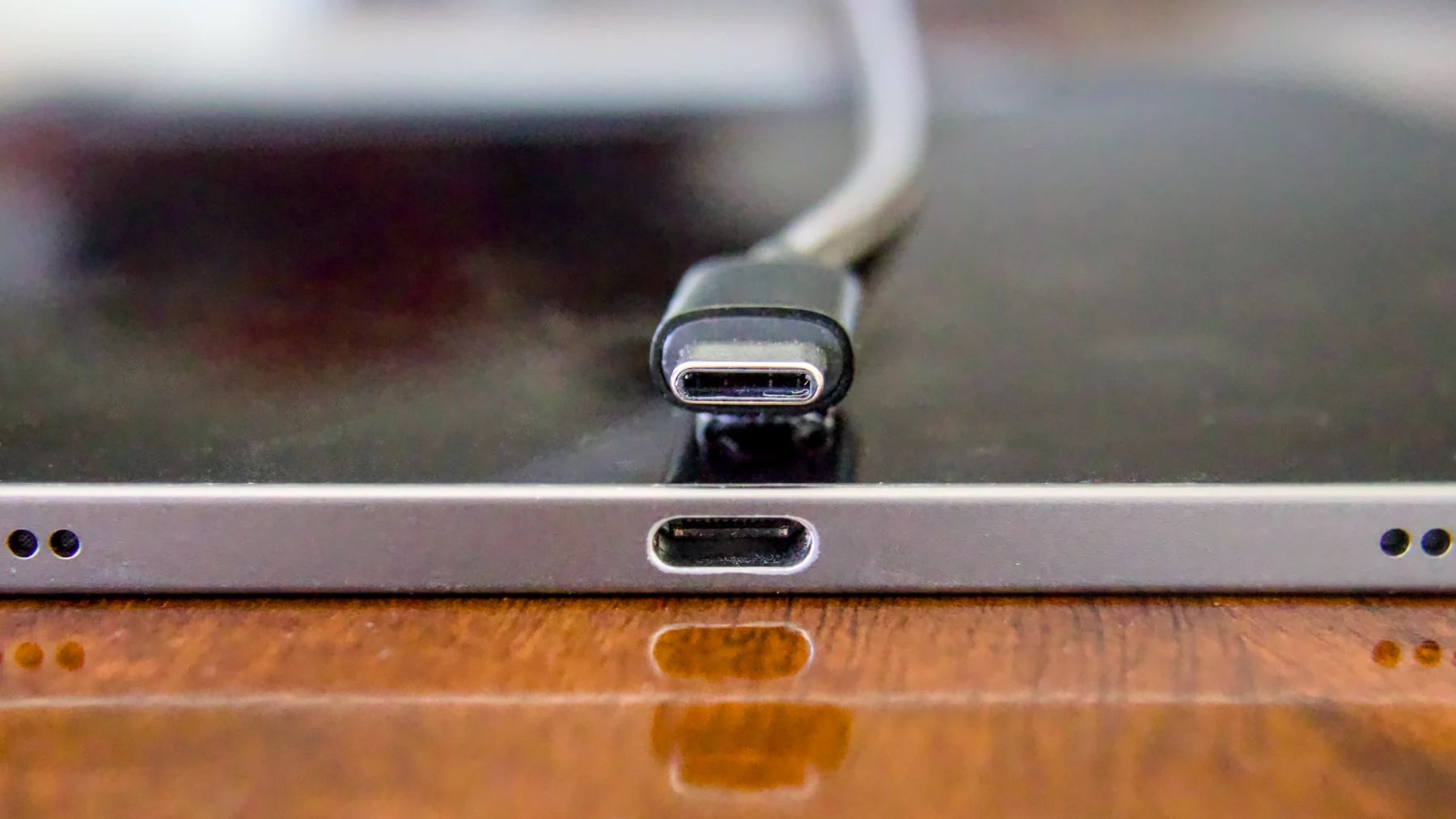
USB-C to USB-C as the default
A cable with USB-C at both ends works with modern chargers, power banks and laptops in either direction. It can charge a phone from a laptop, or top up earphones from a power bank. Because the plug is reversible, it is also easier to connect in a dark room or under a seat.
Two of them is a sensible minimum: one for the bedside, one for the bag. If your charger has several USB-C ports, a third lets you charge a phone, earphones and a watch at the same time.
Length matters more than people think
Hotel sockets are often behind the bed, under the desk or by the door. A very short cable leaves your phone hanging off the wall. A very long one tangles and weighs more.
- 1 to 2 metres suits the main cable: long enough to reach a bedside table from a low socket.
- 20 to 30 centimetres suits a pocket cable, for charging a phone from a power bank without loops of wire.
- Longer than 2 metres is useful only if you know sockets are far away; otherwise an extension lead does the job better.
Charging cables are not all the same
Two cables can look identical and behave differently. Some carry only enough power for a phone; others are rated to carry the higher power a laptop needs. Some move data quickly; some slowly or barely at all. The rating is usually printed on the packaging and sometimes on the connector.
For travel, the practical rules are short:
- If a laptop charges over USB-C, carry at least one cable rated for the laptop's charging power.
- If you copy photos from a camera to a drive or a laptop, as in backing up your photos, use a cable that supports data, not a charge-only cable.
- If a device charges unusually slowly, try another cable before blaming the charger.
How chargers and cables agree on how much power to send is explained in one charger for everything you carry.
If you still carry a device with an older connector, pack exactly one cable for it. Better still, a short adaptor that turns a USB-C cable into the older plug saves a whole cable, though cheap adaptors can be unreliable, so test it at home.
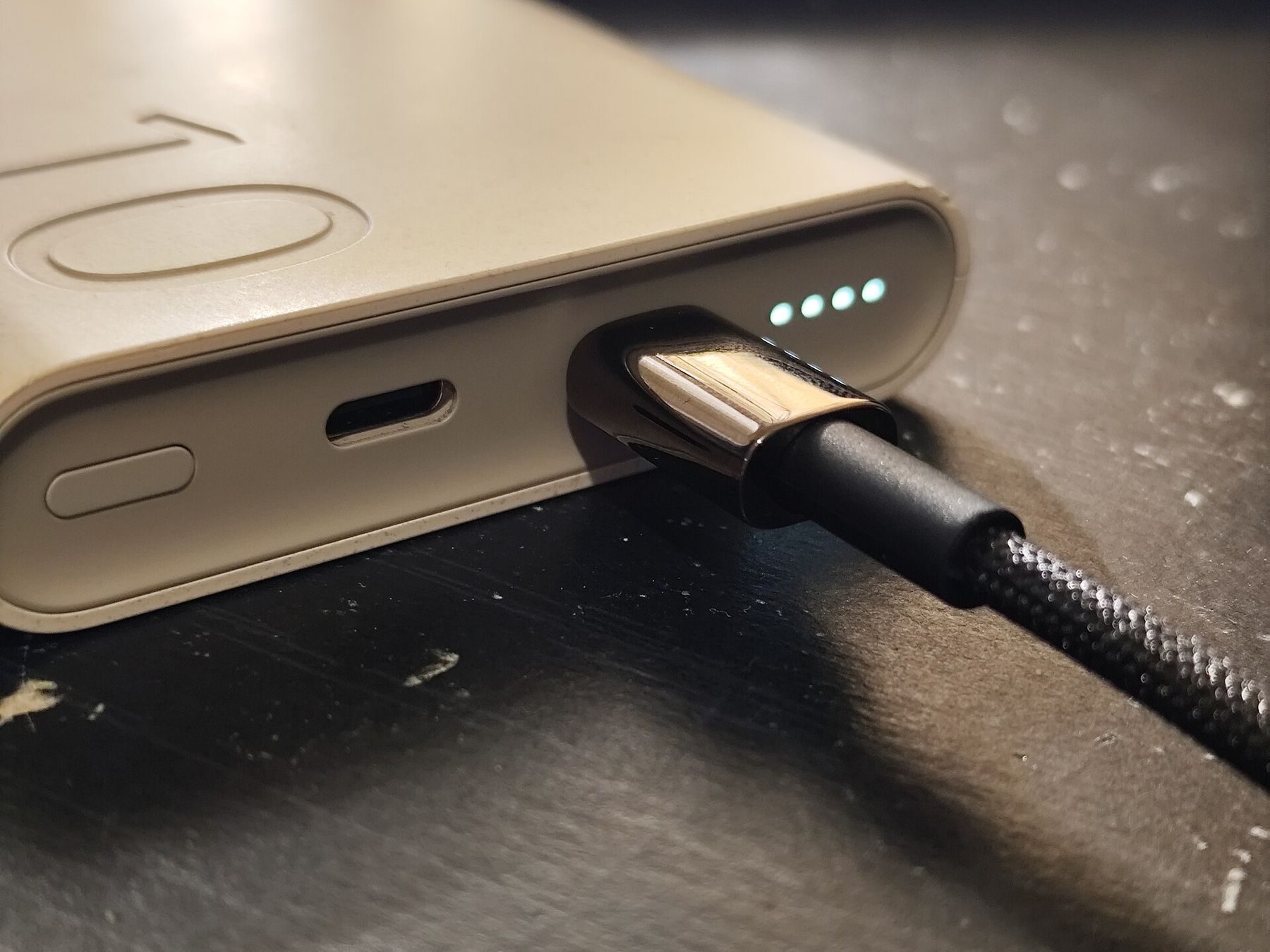
Looking after them on the road
Cables usually fail at the neck, where the wire meets the plug. Travel makes that worse, because cables are bent, stuffed and pulled out of sockets in a hurry. A few habits make them last:
- Coil in loose loops and fasten with a soft strap; never wind tightly round a charger.
- Pull out by the plug, not the wire.
- Do not leave a cable bent sharply behind a bed or under a suitcase wheel.
- Retire any cable with exposed wire or a loose plug; a damaged cable can overheat.
Cables for a laptop and a camera
Laptops are where cable choice matters most. A laptop that charges over USB-C will often accept power from a phone charger, but very slowly, and may lose charge while in use. Pair it with a charger and a cable that both match its rated power, and test the combination before the trip: plug the laptop in while it is running something demanding and check that the battery is still rising.
Cameras vary more. Some charge in the body over USB-C; others need their battery removed and placed in a separate charger. If yours uses a separate charger, check whether that charger itself takes a USB cable, in which case it can share the main cable rather than bringing its own plug. A camera that charges in the body can also be topped up from a power bank during a long day out.
When every cable looks the same, a small coloured tag or a different cable colour for each job saves time: one colour for the high-power laptop cable, another for the short pocket cable. It also makes it obvious at a glance, when packing up, that one is still plugged in behind the bed.
What stays at home
Leave behind cables for devices that are not travelling, duplicate cables beyond one spare, and any long cable you only use at a home desk. If a cable has not charged anything on your last two trips, it has not earned its place. Count the cables back into the pouch on the last morning, because the one left behind is always the one plugged into the wall behind the bed.