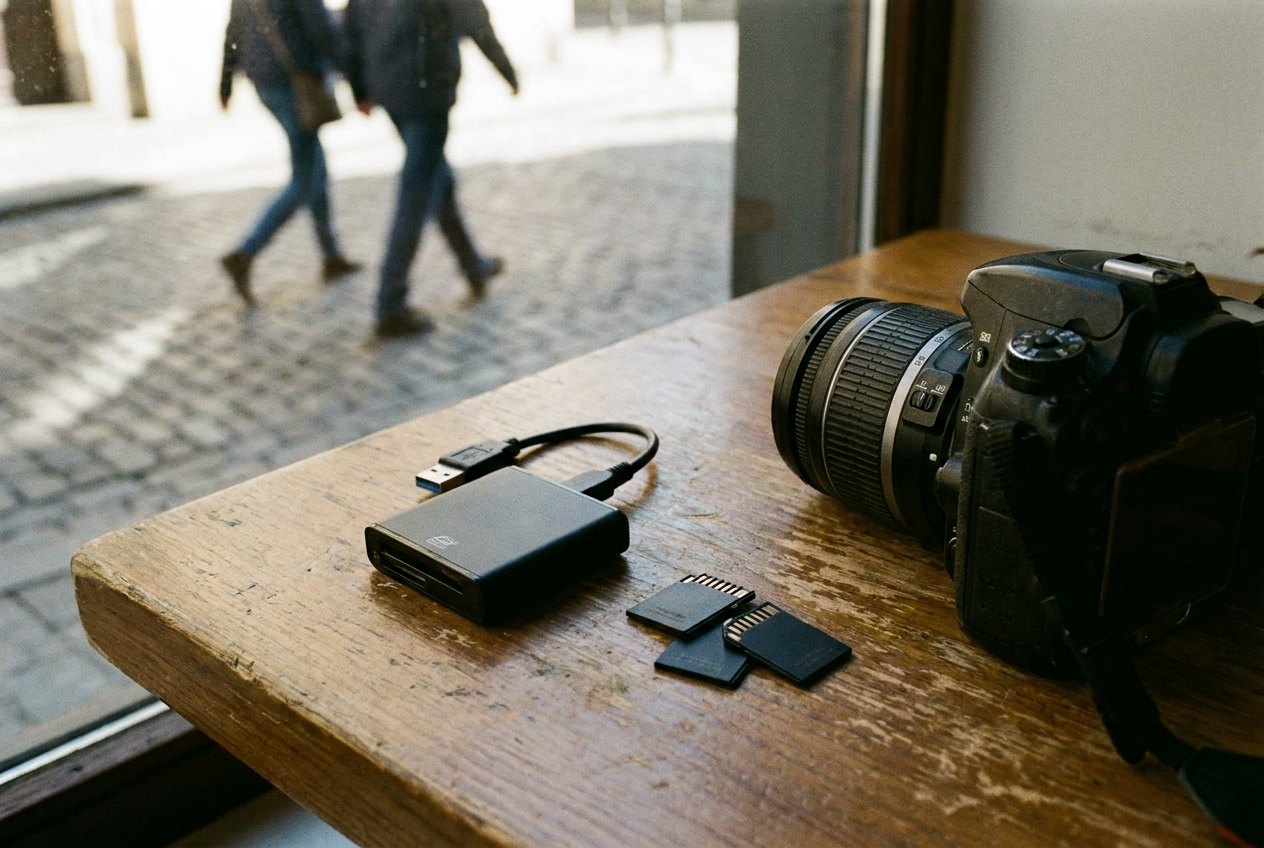
A phone can be replaced in an afternoon. A camera can be replaced with a credit card. The photos on them cannot. Yet most travellers carry every picture from a trip in one place, on one device, until they get home and finally copy them somewhere else.
A safer pattern is easy to remember: at the end of each day, there should be at least two copies of the day's photos, and they should not be in the same bag. Everything below is a way of making that happen with the least effort.
Two copies, two places
Photographers talk about keeping three copies on two kinds of storage, with one somewhere else entirely. On the road, two copies in two places is a realistic target. Examples that work:
- Photos on the phone, plus a copy in cloud storage.
- Photos on the camera's memory card, plus a copy on a small drive kept in a different bag.
- Photos on a camera card, plus a copy on the phone, which then uploads to the cloud.
What does not count: two copies in the same bag. If the bag is stolen, left on a train or soaked in a river crossing, both copies go together.
Phones: let the backup do its work
Most phones can upload every photo automatically to a cloud account. The usual reasons it fails on a trip are simple ones:
- The storage plan is full, so new photos quietly stop uploading.
- The backup is set to run only on Wi-Fi, and the phone rarely sees a usable network.
- The phone is in a low-power mode that pauses background uploads.
- The upload is paused to save mobile data while roaming.
Before you leave, check how much space is free in the account and compare it with how many photos and videos you usually take. Video fills space far faster than still photos. In the evening, connect to a trusted network, plug the phone in, and leave it uploading overnight. Open the backup screen in the morning to see that it finished.
Hotel and café networks are fine for this, with the usual care described in staying safe on shared Wi-Fi. Uploading large videos over mobile data while roaming can be expensive; the reasons are in roaming without the bill shock.
Cameras: cards, rotation and a small drive
A dedicated camera writes to a memory card. Cards are small, cheap and quite reliable, but they can fail, be lost or be wiped by mistake. A few habits keep them safe:
- Carry more cards than you need and rotate them, rather than filling one huge card with the whole trip.
- Never reformat a card until its photos are safely copied somewhere else and you have checked the copy opens.
- Keep used cards apart from the camera, in a small case in a different pocket or bag.
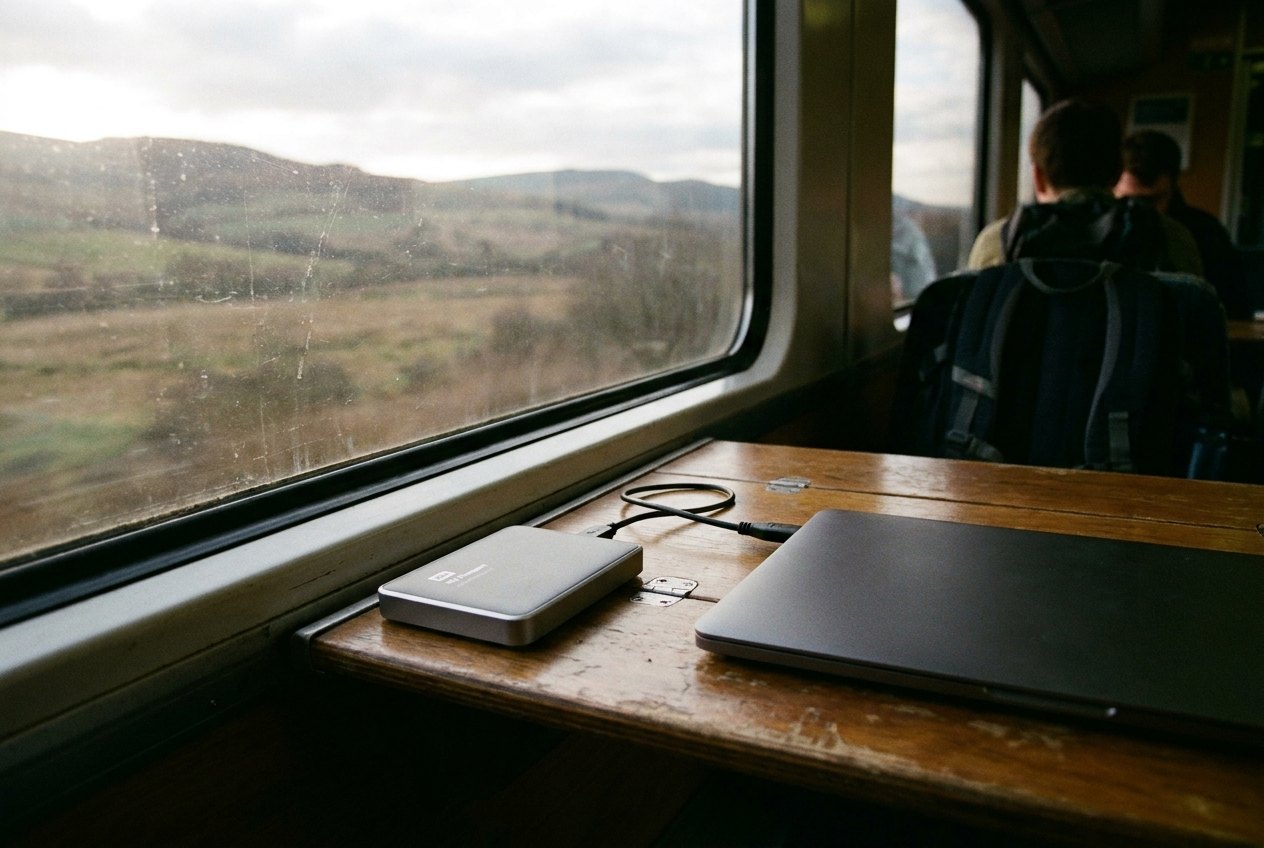
- Copy each evening to a small portable drive, a laptop or the phone.
Many cameras can also send photos to a phone over a wireless link, which then uploads them to the cloud. It is slower than a card reader but needs no extra gear, and it is handy for the best few pictures of each day even if the full set waits for a drive.
A small drive is usually connected with a short cable. Make sure it is a cable that carries data, not one that only charges; the difference is covered in cables worth carrying. A compact card reader that plugs straight into a phone or laptop is often quicker than the camera's own cable.
A ten-minute evening routine
The best backup is the one you actually do. A routine that fits into the time it takes to make a cup of tea:
- Plug everything in to charge.
- Copy the day's camera card to the drive or laptop.
- Open a few of the copied files to check they are not corrupted.
- Connect the phone to a trusted network and start the cloud upload.
- Put the drive in a different bag from the camera.
If you are travelling with someone else, keeping your drive in their bag is an easy way to put the second copy in a second place.
The night before you fly
Travel days carry the highest risk: bags are handled by others, devices are left in trays and seat pockets, and a long journey leaves plenty of time for something to go missing. The night before a flight or a long train journey, make sure at least one complete copy of the trip so far is not on the device you will carry in your hand. A finished cloud upload, or a drive packed in a separate bag, both do the job.
Batteries and drives travel in hand luggage, and the tech pouch keeps the cables together, but a drive holding your only backup is better in a different bag from the phone and camera it is protecting.
When something goes wrong
If a memory card stops working or shows as empty, stop using it immediately. Do not take new photos on it and do not format it. Recovery software and specialist services can often retrieve files from a card that has not been written over, but every new photo reduces the chances. Put it in its case and deal with it at home.
If a phone is lost or stolen, the cloud copy is what saves the trip. The steps to take in the first hour, including when to erase the phone remotely, are in a lost or stolen phone abroad. Photos that finished uploading the night before will be waiting when you sign in on a new device.