
A phone left on a train seat or lifted from a café table is a bigger problem than it used to be. It holds boarding passes, tickets, bank apps, maps, photos and the codes that let you sign in to everything else. The loss itself takes a second. What happens in the following hour decides whether it stays an inconvenience.
Most of the work happens before you leave home. If the phone's own safety features are switched on and you have a few details written down elsewhere, the first hour becomes a list of steps rather than a panic.
Before you travel: ten minutes of setup
Every current phone system has a built-in service that can show a lost phone's last location, play a sound, lock it with a message and erase it remotely. It only helps if it is switched on before the phone goes missing.
- Turn on the phone's locate and remote erase feature in its settings, and confirm you can sign in to that service from a computer or another phone.
- Set a strong screen lock: a six-digit or longer passcode, not a simple pattern.
- Turn on a SIM PIN, so a thief cannot put your SIM in another phone and receive your text codes.
- Make sure photos and important data are backed up, as in backing up your photos on the road.
- Set up a second way to receive sign-in codes, as in login codes abroad.
Then write down, on paper or in a place you can reach without the phone: the phone's make and model, its identifying number (often shown by dialling a short code or in the settings, and printed on the box), your carrier's number for lost phones, and the email address for your phone account.
Minute one to ten: is it lost or stolen?
Before you assume the worst, retrace your last steps. Phones are left on train seats, in taxis, at security trays and on restaurant tables far more often than they are taken. If you can, go straight back to where you last used it.
At the same time, borrow a phone or computer and sign in to the locate service. If the phone is switched on and connected, you will usually see its position. Play a sound if it might be nearby. If it is in a lost-property office or a shop, the map can show you where to ask.
Do not try to recover a phone yourself if the map shows it in a stranger's home or moving away fast. Note the location and give it to the police.
Minute ten to thirty: lock it down
If the phone is not found quickly, put it into lost mode. This locks the screen, can display a message with a contact number, and usually disables payment cards stored on the device. It keeps the locate function running, so you can still see if the phone moves or reconnects.
06Then protect the accounts around it:
- Call your carrier, or use its website from another device, to block the SIM. This stops calls and texts on your account and stops anyone receiving your sign-in codes.
- Call your bank, or use another device, to freeze or replace cards linked to payment apps.
- Change the password of your main email account and any account whose password is stored on the phone.
A phone left on a train seat is a lost phone; a phone with no screen lock is an open wallet.
A phone left on a train seat is a lost phone; a phone with no screen lock is an open wallet. If the screen lock was strong, the phone itself is hard to get into, which is why the order above starts with the account recovery routes rather than the device.
Remote erase wipes the phone completely. It protects your data, but on many systems it also ends your ability to locate the phone. A reasonable rule: erase once you are confident the phone will not come back, or immediately if the screen lock was weak or the phone held sensitive work data. An erased phone usually stays locked to your account, so it is of little use to whoever has it.

The police report and the insurance claim
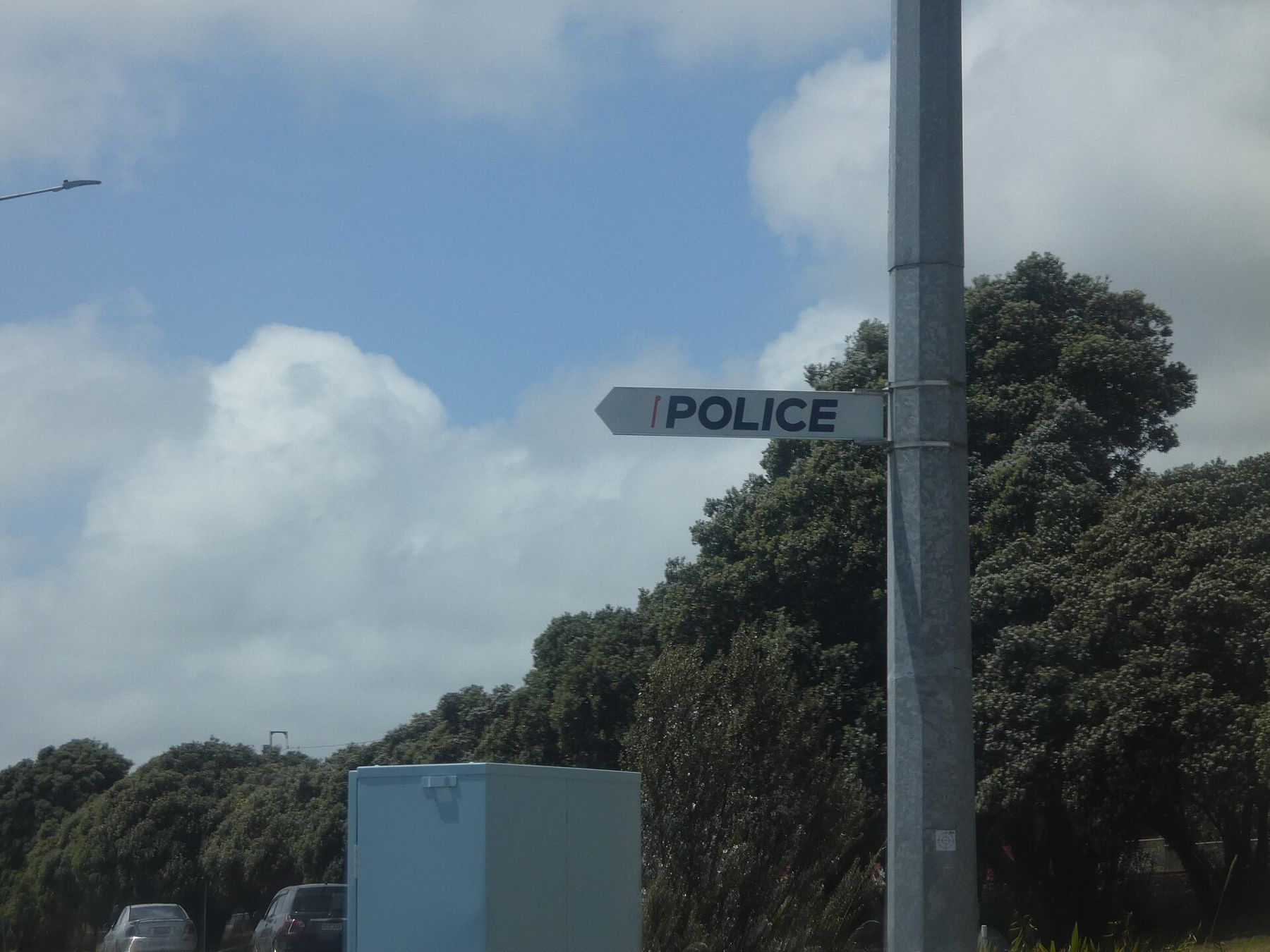
If the phone was stolen, report it to the local police. Many travel insurers and phone insurers will not pay out without a written report, often within a set number of hours. Tourist police in larger cities usually speak English; elsewhere, a translation app on a borrowed phone or a hotel receptionist can help with the form.
Ask for a copy or a reference number, and note the date, time and place of the loss. Give the phone's identifying number if you have it, which is why it belongs on your paper list. Contact your insurer as soon as you can and follow their deadline.
If the phone turns up
Lost-property offices at stations, airports and transport companies return a surprising number of phones, often a day or two after the loss. Many publish a way to report a lost item online or by phone; give the make, colour, case and the time and place you lost it. If the phone is in lost mode with your contact number on the screen, an honest finder can call you directly.
When you get it back, check the settings before relying on it again: confirm the screen lock is still yours, take it out of lost mode, and look at the list of signed-in devices on your main accounts in case anyone tried to use them. If you had already erased it, restore from your backup once you are on a trusted connection.
Getting home without it
The hardest part is often practical: boarding passes, hotel confirmations and train tickets lived on the phone. A few things help:
- Airlines can print a boarding pass at the check-in desk with your passport.
- Hotels can find a booking by name.
- A cheap local phone and a prepaid SIM restore calls, maps and messages within the hour in most cities.
- Your accounts can be restored on a new phone from the backup once you have one.

Once home, replace the phone through your insurer or carrier, restore it from the backup, and then go back through the accounts you changed in the first hour to remove the lost device from their lists of trusted devices.
Keep checking the locate service now and then, even after the trip; a phone sometimes reappears when someone switches it on weeks later. If it does, pass the location to the police rather than chasing it.