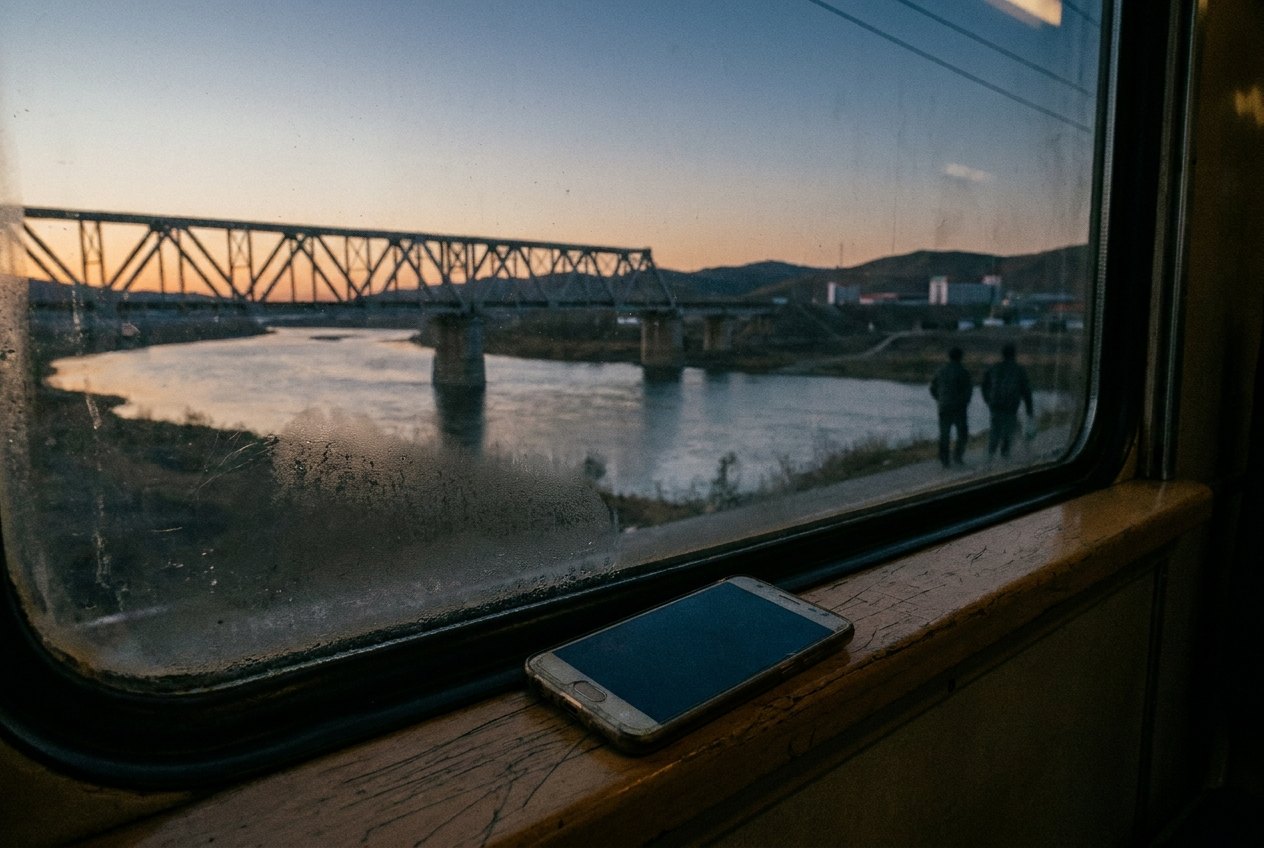
Roaming is what happens when your phone uses another country's network under your home plan. It is convenient: your number keeps working, messages arrive, and maps load the moment you land. It can also be the most expensive thing on a trip, because data used outside an agreed allowance is often charged by the megabyte at rates that bear no relation to what you pay at home.
The fix is not to fear roaming but to decide in advance how your phone will get data abroad: through a carrier pass, through a local plan, or not at all.
How roaming charges happen
When you land, your phone finds a local network that has an agreement with your home carrier. Calls, texts and data then flow through that network, and your carrier passes the cost on to you under the terms of your plan. Three patterns are common:
- Included roaming. Some plans include certain countries at no extra cost, sometimes with a smaller data allowance than at home.
- Day or week passes. A fixed charge for each day you use the phone abroad, or a bundle for a week.
- Pay as you go. Every megabyte, minute and text charged separately. This is where large bills come from.

Some carriers stop data once a spending cap is reached and send a warning text; others do not. Do not rely on the warning. Look up your carrier's rates for the destination before you leave and save them somewhere you can read offline.
Roam like at home in the EU
Within the European Union, and in Norway, Iceland and Liechtenstein, the rule known as roam like at home has applied since 2017. A customer of a carrier in one of those countries can use their plan in the others at no extra charge, under a fair use policy. In practice that means:
- Calls, texts and data in another EU or EEA country count against your normal allowance.
- Data abroad may be capped at a lower amount than at home on large or unlimited plans.
- The rule is meant for travel, not for living permanently abroad on a foreign plan.
- It does not cover calls from home to another country, and it does not cover countries outside the area, including some close neighbours.
If your plan is from outside the EU and EEA, the rule does not apply to you there, and if your plan is from inside it, the rule does not follow you to countries outside it. Ships, aircraft and border regions can also connect to networks that are not covered. Check before relying on it.
The switch that matters most
Every phone has a data roaming setting. With it off, the phone does not use mobile data on foreign networks, though calls and texts usually still work, and charges for them may still apply. With it off and Wi-Fi on, you can still use data wherever there is a network you trust.
13A safe routine for arriving somewhere new:
- Before the flight lands, switch data roaming off.
- On arrival, check for a welcome text from your carrier giving the local rates.
- Only switch data roaming on once you know what it will cost, or once you have bought a pass.
Do not rely on the warning.
Background data: the silent spender
Even an untouched phone in a pocket uses data. Photo backups upload, apps update, email syncs, maps refresh and messaging apps download photos people send you. At home this goes unnoticed. Abroad, on a pay-as-you-go rate, it adds up quickly.
Ways to keep it in check:
- Set photo backup and app updates to run only on Wi-Fi, as described in backing up your photos on the road.
- Turn off automatic downloads of photos and videos in messaging apps.
- Use the phone's data usage screen to see which apps used most, and restrict their mobile data.
- Turn on a low-data mode if your phone has one.
- Download maps before you go, as in offline maps that really work offline.
Video calls and streaming music or video are the heaviest users. Save them for Wi-Fi.

Many phones can make and receive ordinary calls and texts over Wi-Fi, a feature usually called Wi-Fi calling. Whether calls made this way abroad are charged as roaming depends on your carrier; some treat them as calls from home, some do not, and some disable the feature outside the home country. Messaging apps that call over the internet use data, not your call allowance, so on Wi-Fi they cost nothing extra.
Local SIMs and travel eSIMs
For longer trips or expensive roaming destinations, a local plan is often much cheaper. You can buy a physical SIM card on arrival at a phone shop or airport kiosk, usually with a passport, or install a data-only travel eSIM before you leave. A phone that holds two lines can keep your home number active for calls and sign-in codes while the travel plan handles data; how that works is in eSIMs explained, and why the home number still matters is in login codes abroad.

A local SIM requires an unlocked phone. If yours was bought on a contract, check with your carrier that it is unlocked before the trip; the phone's settings may also show this. A locked phone will reject a foreign SIM.
Cruises, flights and border areas
Some of the most expensive data in the world is used without anyone noticing, on ships and aircraft. Cruise ships often run their own mobile network at sea, and a phone with roaming switched on may connect to it automatically; charges for that network are usually far higher than any land network and rarely covered by passes. Keep data roaming off at sea unless your carrier specifically includes the ship's network.
Near borders, phones can also drift onto the network across the line, even while you are still at home or in a country your plan covers. If you are near a border, check the network name shown on the phone now and then, or choose your network manually in the settings.
When you get home, switch data roaming back on only if your home plan needs it on (most do not at home), remove any travel eSIM you no longer need, and check your next bill. If a charge looks wrong, contact the carrier promptly with the dates you were away; they are more willing to discuss a bill that is queried quickly.